WhatsApp Review Requests for Indian Businesses: Templates That Actually Get Responses
Practical, plug‑and‑play WhatsApp message templates Indian business owners can send after a visit or purchase, plus timing, cadence, and pairing tips to increase genuine Google reviews without being spammy.
Why WhatsApp works for review requests
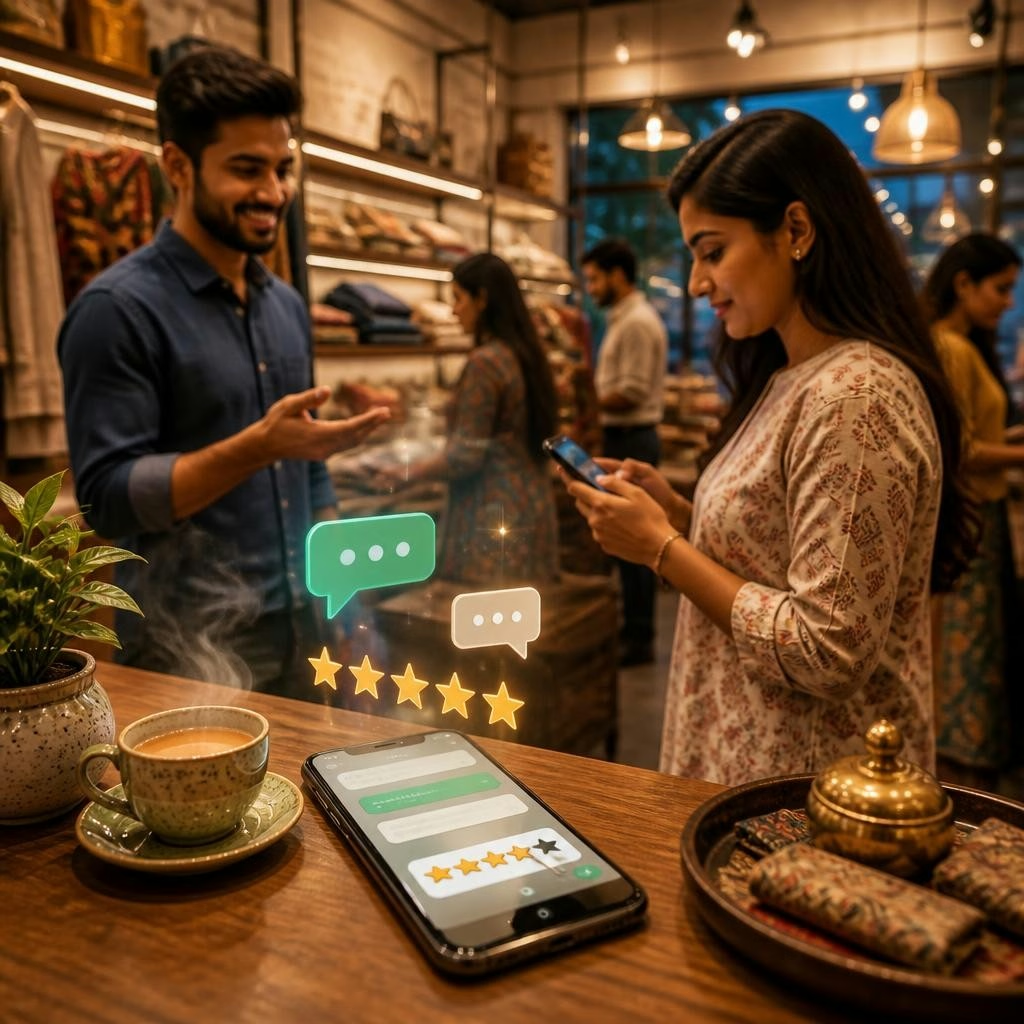
WhatsApp is a primary communication channel for many customers in India: it’s immediate, conversational, and widely used for confirmations and follow ups. A short, polite WhatsApp message asking for a Google review feels natural to most customers when it arrives soon after a positive experience. For local businesses, pairing a quick WhatsApp ask with an easy-to-open review link or an in‑store NFC/QR prompt removes friction and increases the chance a customer will respond.
Timing and cadence: ask at the right moment
Timing matters more than length. For walk‑in or in‑person services, send the first message within 24 hours of the visit. For deliveries or online purchases, a message the same day or the next morning works best. If the customer doesn’t respond, send one polite reminder 3–5 days later and a final short reminder about a week after the purchase. Avoid sending repeated daily messages — one thoughtful follow up is usually sufficient and keeps you from appearing pushy.
Message components that increase response rates
Keep requests short, personal, and actionable. Each message should include: a brief thank-you, a one-line reminder of the service or purchase, a direct Google review link or clear instructions on how to leave feedback, and an explicit, simple call to action (for example: “Tap here to leave a quick rating”). Personalisation tokens — customer name, service date, or item bought — make messages feel less templated. Always offer a way to contact you first if the experience was anything less than excellent.
Plug-and-play WhatsApp templates
Below are concise templates you can copy, paste and personalise. Replace [Business Name], [Customer Name], [Service/Product], and [REVIEW_LINK] with your details. 1) Quick in‑person follow-up: “Hi [Customer Name], thank you for visiting [Business Name] today. If you have a moment, could you share feedback about [Service/Product]? It helps small businesses a lot: [REVIEW_LINK]” 2) Post‑delivery/purchase: “Hello [Customer Name], we hope you’re enjoying your [Product]. If you’re happy with it, a 1‑minute Google review would mean a lot: [REVIEW_LINK]” 3) After a service visit: “Hi [Customer Name], thank you for choosing [Business Name] on [date]. If we earned a 5‑star experience, please share it here: [REVIEW_LINK]. If not, reply and we’ll make it right.” 4) Friendly reminder (3–5 days later): “Just checking in — did you get a chance to share feedback on your visit? It helps others find us: [REVIEW_LINK]” 5) NFC/QR prompt message for in‑store asks: “Thanks for stopping by! Tap your phone on our review card or use this link to leave feedback in 60 seconds: [REVIEW_LINK]” 6) Handling a neutral or negative experience: “We’re sorry to hear about your experience. Could you tell us what went wrong? If you’re comfortable, please reply or let us know a good time to call — we want to fix this.”
How to pair WhatsApp requests with Review Uplift tools
Make review requests easier to complete by combining messages with physical and digital prompts. Review Uplift offers review management software plus NFC business and review cards, tabletop standees and stickers that customers can tap to open your review page. Many businesses report that using an automated review system alongside in‑store NFC/QR prompts and a short WhatsApp message leads to a notable increase in review volume and makes the process feel seamless for customers.
Tone, length and personalisation best practices
Keep messages polite, concise and human. Aim for one to three short sentences and avoid industry jargon. Use the customer’s name and a reminder of the service to personalise the request. If you collect reviews from diverse customers, consider sending the message in the language the customer used during the transaction. If a customer signals dissatisfaction, pause the review request and offer resolution first — customers who feel heard are more likely to leave balanced feedback later.
Compliance and avoiding spammy behaviour
Respect customer preferences and communication norms. Do not send repeated unsolicited messages, and include an easy way for recipients to stop receiving review requests (for example, “Reply STOP to opt out”). Avoid offering incentives in exchange for reviews — this can violate platform policies and affect credibility. Keep a simple log of who you’ve messaged and when to prevent overlap and accidental repeats.
Checklist to start sending effective WhatsApp requests
Use this quick checklist before you send your first batch: 1) Prepare a short, personalised template and test it internally; 2) Generate a direct Google review link for your profile and confirm it opens the review dialog; 3) Pair the message with an NFC/QR prompt in store where appropriate; 4) Set a gentle cadence (initial message + one reminder); 5) Route any negative replies to a team member who can resolve issues quickly. Following these steps and combining thoughtful WhatsApp copy with easy review links will increase genuine customer responses without being intrusive.
Article by
ReviewUplift
ReviewUplift is an online platform that helps businesses manage and improve their online reputation. In today's digital age, online reviews can make or break a business's reputation, and ReviewUplift aims to provide businesses with the tools and resources they need to stay ahead of the game.